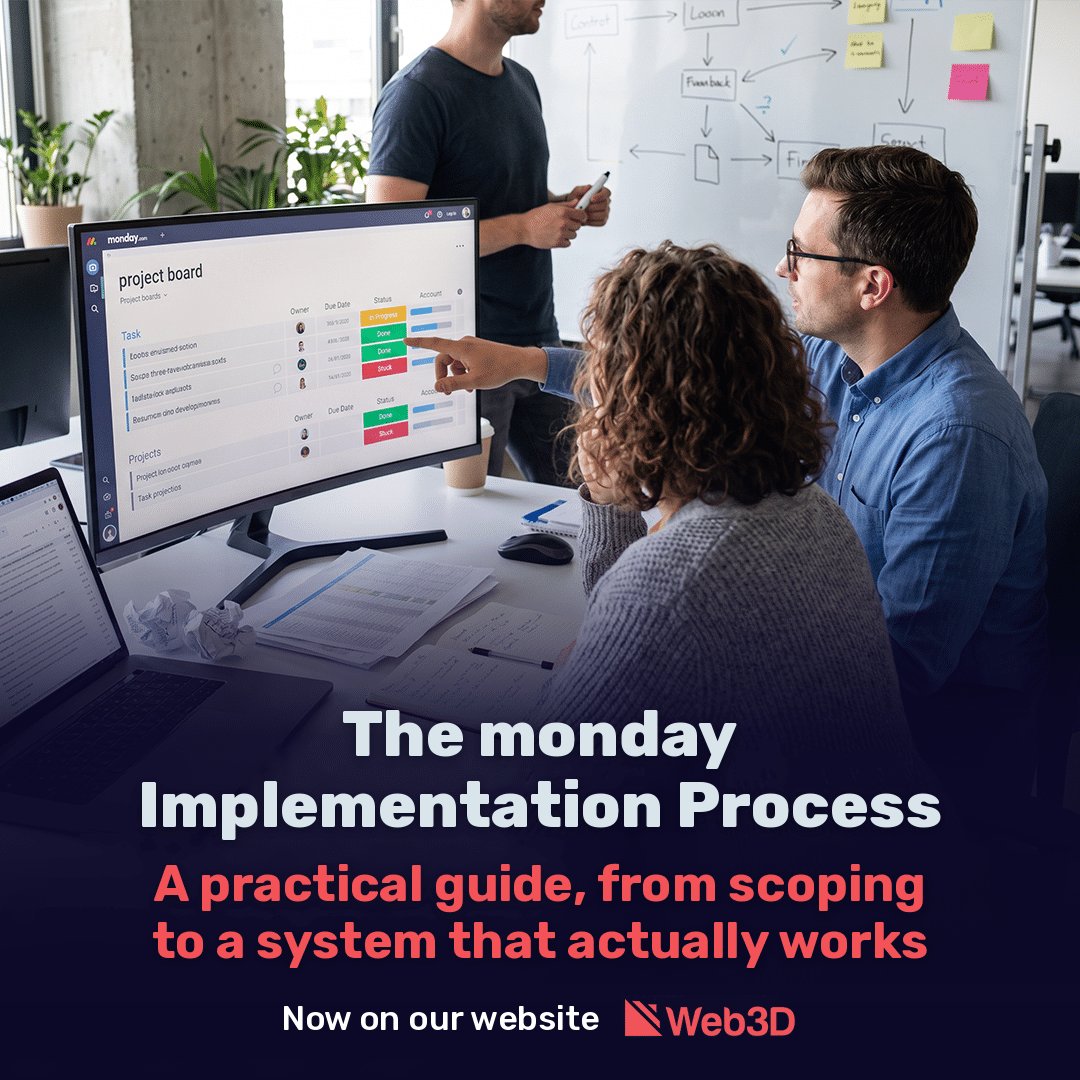
The monday.com Implementation Process: A Practical Guide from Requirements to a System That Really Works

Most organizations turn to monday.com implementation once the disorder is already noticeable. Tasks get lost between email and WhatsApp, spreadsheets are updated in three different versions, and nobody can say with certainty where a project stands. The decision to move to monday.com seems straightforward. The implementation itself is less so.

The difference between a system everyone uses and one abandoned after six months almost never lies in the technology. It lies in the process: how thoroughly needs were defined, how the structure was built, and how employees made the transition. This guide walks through the stages as they happen in practice, including what your organization needs to contribute at each stage.

What Is monday.com Implementation?

monday.com implementation is the process of translating an organization’s way of working into boards, columns, automations, permissions, and integrations within the platform, and moving employees to it as their central source of information. Opening an account and building a few boards is not implementation. Implementation is complete when the system reflects what is happening in the organization in real time, without someone having to chase updates.

Stage What Happens Who Should Be Involved
Discovery and requirements Map processes, goals, and pain points Management and department managers
Architecture and build Workspace structure, boards, automations, and dashboards Implementation team and a representative from each department
Integrations and data Connect existing systems and migrate information IT and finance
Pilot and training Real work with one team, revisions, and training End users
Launch and improvement Organization-wide rollout, measurement, and maintenance Internal system administrator

Stage 1: Discovery and Requirements, the Foundation for Everything Else

The most common mistake is opening the platform and starting to build boards before understanding the process. It feels efficient, but the result is boards that reproduce the existing disorder in a more attractive interface.

Good requirements work starts with business questions rather than technical ones. What should happen when a new lead comes in? Who approves a quote, and at what stage? Where do things fall through today? What decisions do managers make every week, and what information are they missing?

This stage also maps what already exists: which systems the organization uses, what information each contains, and what must move to monday.com versus what can stay where it is. An organization using Priority, for example, does not need to move its accounting into monday.com. It needs to connect the two systems.

The deliverable is a requirements document describing the processes, the planned system structure, the automations, and the integrations. This is what makes a realistic cost and timeline estimate possible. A provider offering a precise quote before a discovery discussion is pricing without understanding the work.

What you need to contribute: department managers available for two or three meetings, and a willingness to say openly where processes are not working.

Stage 2: Architecture and Build, a System That Will Still Work a Year from Now

monday.com is highly flexible, and that is precisely the risk. Without structural planning, a year later you can end up with hundreds of boards, duplicate columns, and dashboards nobody trusts.

Sound architecture starts with structural decisions: which workspaces to create, which boards will serve as master boards for centralized information such as customers, projects, and suppliers, and how other boards will connect to them. This determines whether, a year from now, you can generate a report across departments with one click or have to export everything to Excel.

Permissions are also defined here. In a small organization, this may be a minor detail. In an organization where salespeople should not see salary data, or where information security requirements apply, it is a critical part of the design.

Another decision at this stage is the subscription plan. Differences between plans go beyond price: they affect automation quotas, permissions and security capabilities, and reporting options. Switching plans later may require reworking parts of the system, so it is better to decide based on expected needs over the next two years rather than today’s user count. In addition, monday.com’s pricing structure shifted in 2026 to a model incorporating usage, so check the current plan structure before committing.

Only then do you build the boards, columns, automations, and dashboards. The rule that works is to start with the minimum needed. An automation nobody asked for is another thing that can break.

Stage 3: Integrations and Data Migration

monday.com delivers its full value when it does not stand alone. Leads flowing directly from website forms and campaigns, customer and order synchronization with the ERP, and connections to accounting or telephony systems all save manual entry and prevent discrepancies between systems.

There are three main ways to connect systems. The first is monday.com’s native integrations. The second is external integration tools such as Make or Zapier. The third is development directly against the API. The choice depends on data volume, the required synchronization frequency, and whether information flows in one direction or both. A simple form connection to a board does not justify custom development. Bidirectional order synchronization with Priority almost always does.

Migrating existing data requires a deliberate decision: what moves, what stays in the archive, and what is deleted. Moving years of disorganized information into a new system is the fastest way to make employees distrust it from day one.

Stage 4: Pilot, Training, and Adoption

This is where most implementations fail, and the issue is not unique to monday.com. A Gartner survey of 5,141 employees, published in 2025, found that only 23% of digital workers were completely satisfied with the applications they used, down from 30% in 2022. According to the same research, employees satisfied with their tools were almost three times as likely to report a significant productivity increase. Gartner.

Team culture matters too. In another Gartner survey, from July 2025, 37% of employees reported not using the AI tools available to them because their colleagues were not using them. The same principle applies to any new system: if the manager keeps requesting updates on WhatsApp, the team will not switch to monday.com. Gartner.

That is why you start with one team. A pilot lasting two to four weeks, using real work, reveals what is missing, what is unnecessary, and where the planned process does not fit reality. Changes are inexpensive at this stage. After a rollout across the organization, they cost much more.

Effective training is tailored to the role. A manager needs to know how to read a dashboard. A sales representative needs to update a lead from a phone in thirty seconds. One general training session for everyone leaves both without what they need.

Stage 5: Launch, Measurement, and Maintenance

Implementation does not end when everyone gets access. During the first few months, requests for changes arise, organizational processes evolve, and users and departments are added. Without someone responsible for the system, the carefully designed structure gradually falls apart.

Define an internal system administrator, a regular review routine, and measures of implementation success in advance. Examples include the percentage of updates made in the system rather than other channels, lead response time, or the number of reports that no longer need to be prepared manually.

This is also the stage to consider AI capabilities. monday.com is investing in built-in agents that can classify, summarize, and act on board information. These capabilities work well only when the underlying information is organized and complete, so they follow a stable implementation rather than replace it.

How Long Does monday.com Implementation Take?

Implementation time depends mainly on the number of processes and departments and the complexity of integrations, and less on the number of users. The following estimates are based on practical experience and are intended for initial planning only:

Scope Example Estimated Time
One process in one team Task or lead management without integrations 2 to 4 weeks
One or two departments Sales and operations with automations and one or two integrations 1 to 2 months
Organization with multiple departments Several departments, ERP connection, complex permissions 3 to 6 months


The biggest cause of delays is not the build itself. It is organizational availability: postponed discovery meetings, decisions awaiting approval, and users who do not attend training.

Frequently Asked Questions

Can we implement monday.com ourselves?
For a small team with a simple process, yes. As the number of departments, integrations, and permission requirements grows, the risk of building a structure that will need to be rebuilt rises significantly.

What is the difference between implementation and setting up boards?
Setup means building tools. Implementation includes defining processes, planning the structure, connecting existing systems, and helping employees actually move their work into the platform.

What should we prepare before the first discovery meeting?
A list of the most painful current processes, the systems your organization uses, and examples of reports or files currently used for management.

When should we start using monday.com’s AI capabilities?
Once the system is stable and its information is updated regularly. AI working with incomplete data produces results you cannot rely on.

How Web3D Approaches monday.com Implementation

At Web3D, we have worked with monday.com for more than nine years, first within our own company and then for clients. This experience has taught us that the difficult part of implementation is not the build itself, but translating a business process into a structure that will last. Combining a requirements team, a development department connecting monday.com to systems such as Priority and marketing platforms, and years of digital marketing experience lets us see the whole picture: from the lead arriving through a campaign to the report reaching management. If you are at the planning stage, read more about [monday.com implementation at
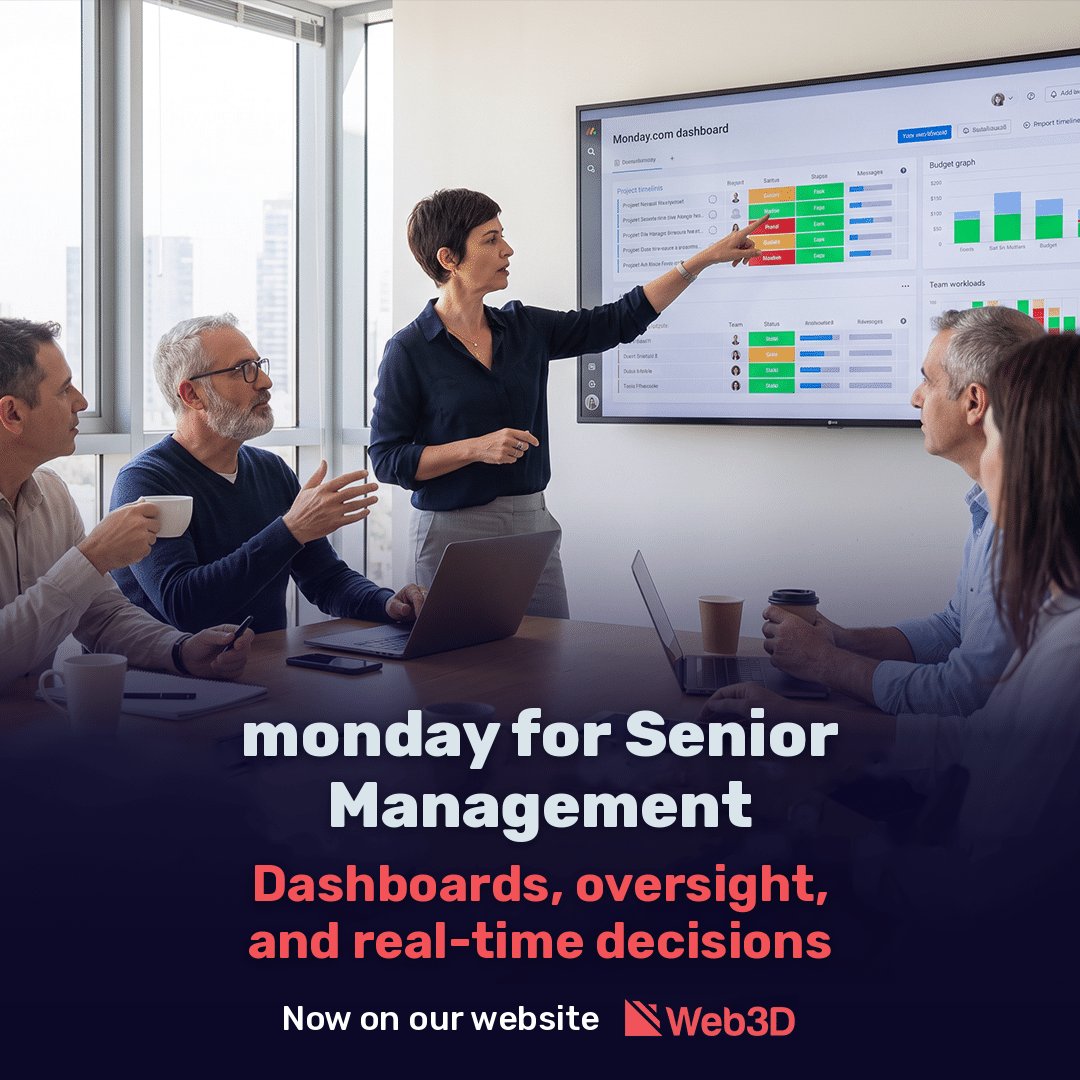
monday.com for Senior Management: Dashboards, Oversight, and Real-Time Decisions

A management meeting on Sunday morning. The CEO asks how many projects are over budget this quarter. The CFO presents an Excel file updated a week ago. The head of operations presents a different figure from her system. Half an hour passes while everyone determines which number is correct, and nobody discusses the actual question: what to do about the overrun.

Most management teams do not suffer from a shortage of data, but from its fragmentation. The information exists, but it is spread across systems, files, and email threads, with each department holding its own version. This article explains how monday.com is used in practice as a tool for executive management, what it provides and what it does not, and how to avoid mistakes that turn such an implementation into another system nobody looks at.

Why Management Makes Decisions Based on an Incomplete Picture

The problem is well documented in research too. According to a 2020 Gartner survey involving 154 organizations, the average cost of poor data quality is estimated at $12.9 million per organization per year. The interesting part is the reason. Gartner identifies inconsistency between information sources, resulting from data held in separate systems with duplicates and discrepancies, as the most difficult data quality challenge.

Put simply, management does not make poor decisions because of poor judgment. It makes them because the figures in front of it are not synchronized, are updated late, or have passed through three stages of manual processing before reaching the table.

One Management Dashboard Instead of Ten Files

monday.com’s central value for senior management is not task management. It is the ability to bring data from several departments into one view that updates automatically.

A management dashboard in monday.com is built from the different departments’ boards. When a project manager updates a status or a finance manager records an expense, the figure appears immediately on the management dashboard without someone having to collect it.

At the project portfolio level, the All Projects dashboard brings insights from all projects in the portfolio into one consolidated view. This is the difference between asking “What is happening with project X?” and seeing all projects together, ranked by risk.

What Each Role Needs to See

Role What the Dashboard Shows
CEO Progress against strategic goals, project portfolio health, significant exceptions
CFO Actual performance versus budget, expenses by project, collections, and outstanding payments
COO Team workloads, adherence to schedules, and bottlenecks
Head of Marketing and Sales Lead funnel, cost per lead, active campaigns, and results


The key point: everyone sees what is relevant to their role, according to permissions, while working from the same data source. When there is a disagreement in a meeting, it concerns the meaning of the number rather than the number itself.

Automatic Data Collection and Monitoring Exceptions

Management problems almost never come as a surprise. A budget overrun starts with a small unrecorded expense. A project delay starts with one stalled task. The signs are there; they are simply buried in tables.

In monday.com, automations check data against predefined rules. Some practical examples:

Budget overrun: when project expenses exceed 90% of the approved budget, an alert is sent to the CFO and project manager.

Outstanding payment: an invoice unpaid after thirty days is automatically flagged and sent for follow-up.

Schedule delay: a milestone that has passed its deadline changes the project’s status on the management dashboard.

Approval workflows: a purchase request above a specified amount is automatically routed to senior management for approval, which is recorded in the system.

The goal is to move from reactive oversight that discovers problems in the monthly report to oversight that identifies them as they arise. Management does not have to search for exceptions. The exceptions are brought to management.

Managing Workloads and Resources Without Waiting for Reports

Overload is one of the quiet problems in organizations. Employees do not always report being too busy, and managers discover it only when a project is delayed or a good employee leaves.

monday.com’s Workload view shows task allocation by person and time. A manager can see at a glance that one employee is assigned to three projects at once while others on the team have relatively spare capacity. It is possible to identify a week when several projects will place demands on the same people and reschedule work before that happens.

For senior management, this means resource planning based on data. When a new project opportunity arrives, you can check who is actually available and when, rather than commit to deadlines and discover afterward that nobody can deliver.

The AI Layer: What Changed in 2026

This year brought a significant change to the platform. In May 2026, monday.com announced its transition from a work management platform to an AI platform centered on built-in agents that any employee can configure and activate without a technical background.

Several capabilities are especially relevant for senior management:

Automatic executive reports: the portfolio AI report is generated as a separate document containing an executive summary, the distribution of project health statuses, metrics, and a summary of risk insights.

Continuous risk analysis: the company offers ready-made agents such as Risk Analyzer and Meeting Summarizer that run continuously in the background.

Connections to external AI assistants: through MCP, a team already using Claude or ChatGPT can allow its assistant to work directly with workspace data. A CEO can ask the assistant “Which projects are at risk this week?” and receive an answer based on actual data.

An important professional point: an AI agent is only as good as the data it reads. If boards are outdated or poorly structured, the automatic report will simply produce a quick summary of incorrect information.

Common Mistakes in Implementations for Senior Management

Experience with implementation projects shows that most failures stem from how the system was built rather than from the system itself.

A dashboard before the foundation. Many organizations start with an attractive dashboard and discover that the underlying data is inconsistent. If every department defines an “at-risk project” differently, the dashboard will show a meaningless average. Define a consistent data structure first, then build the view.

Too many metrics. A dashboard with twenty-five components is one nobody reads. A senior manager needs five to eight metrics that actually lead to decisions.

Nobody responsible for updating data. Automations save work, but some data is still entered by people. Without clear rules about who updates what and when, data becomes outdated within weeks.

Unplanned permissions. Financial information, salaries, and customer data require properly defined permissions from day one rather than a later correction.

When Will You See a Return on Investment, and What Do the Numbers Really Mean?

Every CFO will ask this question, and it deserves a careful answer. The most frequently cited research on this topic is from Forrester. According to the study, one large marketing company achieved a 288% return on investment, and the total value created was almost three times the initial investment. Context matters: the research was commissioned by monday.com and examines benefits over three years rather than three months. Forrester itself emphasizes that it makes no assumptions about the return other organizations will achieve and recommends that each reader use their own estimates.

The professional answer is that the payback period depends on implementation scope and the starting point. An organization currently consolidating data manually from several systems will feel the change sooner than one already using a well-organized BI system. The right way to measure is to establish baseline metrics in advance, such as monthly hours spent preparing management reports, time to detect a budget overrun, and time to approve a purchase request, then measure them again after three and six months.

Questions and Answers

Is monday.com suitable for executive management, or only for team task management?

It supports both levels. Teams work in boards, and management sees the consolidated picture through dashboards and portfolio views updated from the same data.

Can monday.com connect to existing systems such as ERP or accounting software?

Yes, through native integrations, an API, or external integration tools. The scope depends on the specific systems, so map them during the requirements phase.

What is the difference between a monday.com dashboard and a BI system?

A BI system specializes in complex analysis of historical data. monday.com connects data to the work itself: you can see an exception, assign someone to handle it, and track the response in the same place. In large organizations, the two tools often complement each other.

How long does an implementation for senior management take?

It depends on scope. An initial executive dashboard based on existing boards can go live within a few weeks. A rollout across several departments, including integrations and automations, takes several months.

How do you choose an implementation partner?

Choose an official monday.com partner experienced with organizations of a similar size, who starts with process requirements rather than building boards, and understands the business as well as the technology.

How Web3D Approaches monday.com Implementation for Management

At Web3D, an official monday.com partner, implementation for senior management starts by asking which decisions management struggles to make today and what information is missing. The answer determines the board structure, dashboard metrics, automations, and approval workflows. Combining systems requirements, integrations, and automations with experience in digital marketing and managing lead and sales data makes it possible to build a management view connecting operations, finance, and growth, rather than presenting each separately.

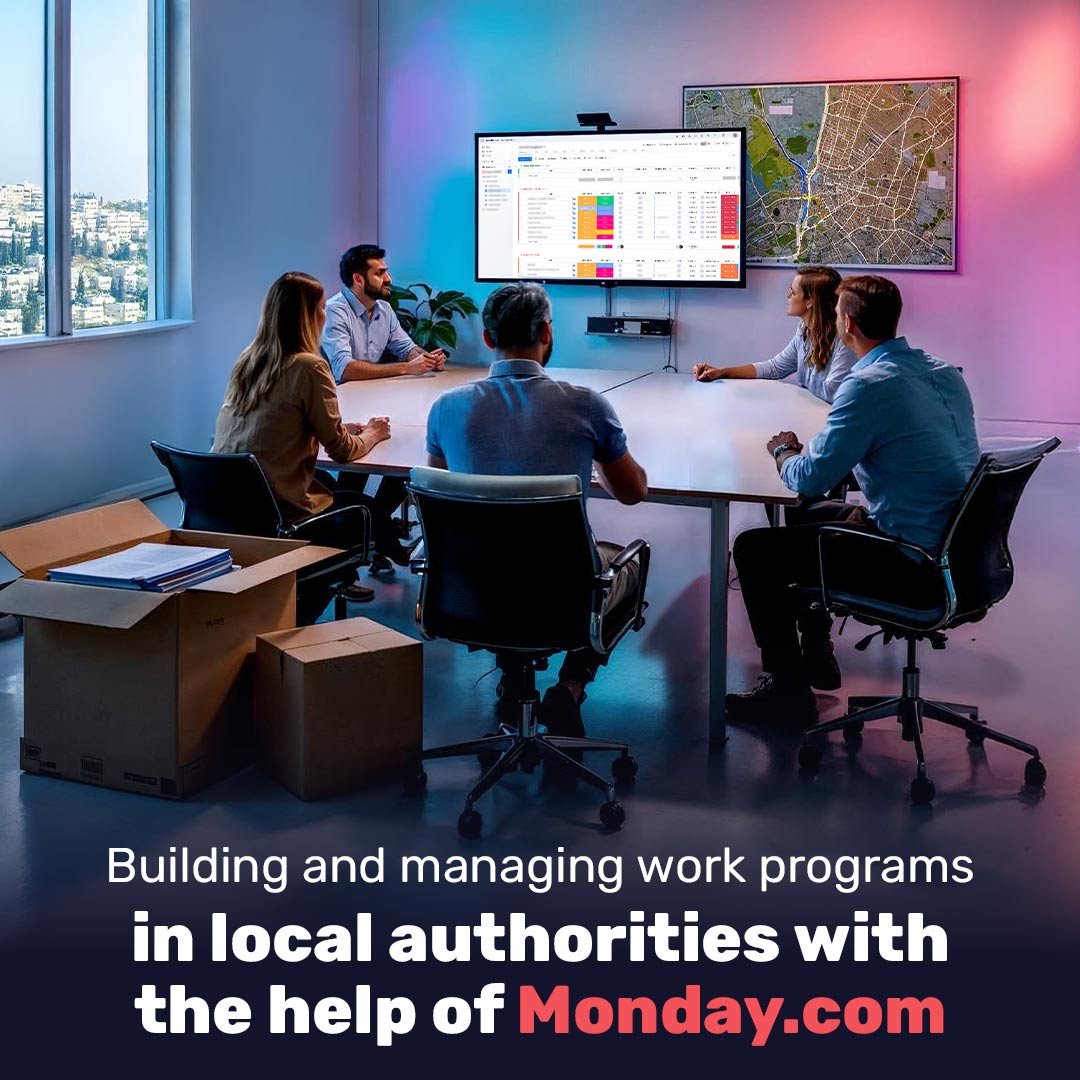
Building and managing work programs in local authorities with the help of Monday.com

There are about two hundred and sixty local authorities in Israel as of 2025, and all of them are required to manage dozens of projects, budgets and initiatives each year under public oversight, government regulation and an expectation of transparency. The Ministry of the Interior offers a structured model for building effective work plans, but in practice the application relies on manual systems, scattered documents and spreadsheets. The Monday.com management system makes it possible for the first time to turn the principles of the public management model into a digital, measurable and collaborative process. This article explains how each stage in the official model translates into a practical tool within Monday and how local governments of all sizes can implement it efficiently while addressing the needs of both the management layer and the execution layers.

What is Monday and how do municipal authorities actually use it?

Monday is an advanced work management platform that enables public bodies to manage processes, projects, urban program development, budgets and tasks in a single workspace that is transparent, modular and accessible to all relevant parties at all levels. Its uniqueness in managing public civil systems is the ability to create a direct, continuous and efficient connection between the managerial tier and the operational tier. It is a tool that meets all requirements for coordination, supervision and initiating tasks in real time. Workers receive clear assignments with responsibility and a due date; managers can see in real time where gaps are occurring, cancel duplications and prioritize tasks based on data rather than assumptions. In addition to businesses and organizations, more and more cities and local authorities around the world in 2025 are choosing to improve civil and financial management with the help of Monday. One example is Baltimore, whose employees use Monday to manage interdepartmental services, internal approval processes and monitoring of infrastructure development projects. In Britain the system has been approved for purchase in government tenders under the G‑Cloud framework, and it is used in hundreds of public bodies. Monday meets strict information security standards such as SOC 2 and ISO 27001, making it suitable for use in sensitive bodies including government ministries, local authorities and educational institutions. In Israel it is possible to learn from the largest city how to integrate Monday. Tel Aviv has chosen Monday for managing cross‑department work processes, including everyday municipal life, infrastructure development, resident services and coordination between departments, subcontractors and external suppliers. The platform helps the management obtain an up‑to‑date and reliable overview and enables city employees to understand what is required of them at every stage in an accessible and clear way.

How do the capabilities of Monday integrate in managing a local authority?

Implementation of policy: Every mayor or council has a vision or core guidelines that define overall goals and the values that will bring them about in every work plan. The real difficulty is translating the vision into action on the ground in a way that drives programs, sets priorities and serves as the basis for broad policy. Monday implementation gives an effective response to all the challenges facing managers in a municipal authority:
• Translating general principles into actionable policy: the vision appears as a constant board that underpins the planning of programs, goals and tasks. Every action is linked to an overall objective.
• Ensuring that each department operates according to the vision: with customized boards, managers can identify projects that diverge from the desired direction and compare departments by level of implementation.
• Providing employees with a broad perspective: whether it is the supervision division, sanitation, construction or education, people who meet residents in the field understand the full picture – not only what actions are required but also what their implications are. This reduces resistance, increases involvement and allows workers to align and make decisions that serve the policy.

Real situation assessment based on data: The ability of the management to make informed decisions in a local authority depends on the quality of the data flowing from the field. In reality things are more complicated. Inspectors and field coordinators must collect and transfer information under workload and time pressure, often without consistency in formats and reporting methods, sometimes using manual tools. Managers have difficulty cross‑referencing information, identifying trends and reacting in real time, creating a recurring bottleneck. Monday offers a complete solution through situation assessment boards tailored for each department. Operational personnel enjoy a simple interface for entering information, uniform forms and automatic reminders to ensure full data completion. The management receives a visual display of all information: graphs, trends, gaps and risk points. The system allows easy analysis and cross‑checking of information, deriving insights, examining courses of action and issuing instructions for execution in real time, instead of waiting for future reports such as quarterly summaries.

Measurable goals in every municipal department: Success in managing a local authority is measured throughout the entire term, not just at the end of five years. Each budget and each new project must promote the vision and policy while setting clear, measurable and achievable goals. The challenge for the management level is to define ambitious yet realistic objectives that can be monitored and that integrate the work of all bodies within the authority. For the execution level the challenge is to understand exactly what the goal is, what their role is in achieving it and when and how it is measured. With Monday  it is possible to build dedicated templates for every goal you define, including metrics, budgets, schedules, roles and synchronization between different departments. Directors and heads of departments can view the full picture, identify duplications or gaps, handle problems raised by the field in real time, make informed prioritizations and ensure that the goals connect to the broader strategic plan of the authority. At the same time employees receive a focused display. They concentrate only on what is relevant to them in a clear and intuitive way. The departmental goals thus become more than general planning tools – they become an operational mechanism that translates each goal into measurable action in the field, with constant monitoring of status and adherence to timelines.

Transition to execution of operational tasks: In municipal management, the transition from policy to implementation depends on every employee knowing exactly what is expected, what the deadline is and who is responsible. One common failure in the implementation process is a lack of clarity in the field: verbal requests, unsynchronized documents, files or plans that are not accessible to everyone. The result is known: delays, instructions falling between the cracks, errors in time and budget management and even double and unnecessary work. Monday has all the tools to provide a precise answer at each level. For city or council workers every task is a clear item with a schedule, responsible person, status, budget and comments. For managers it is an advanced control tool that allows them to see all open tasks, set priorities, identify bottlenecks in real time and make adjustments on the fly. Contractors and external suppliers are also integrated. Whether it is gardening, sanitation, after‑school program management, infrastructure work or security, every service provider can report and be monitored within the Monday system. This includes tracking payments, service quality, response time, performance and the status of dealing with faults. Thanks to personalized views, automatic reminders and full transparency, Monday turns the work environment from confused to managed. Coordination between teams, monitoring progress and accurate execution become routine rather than a burden.

Metrics and control – analyzing, understanding and improving: Collecting metrics and reports is an inseparable part of the management process in any local authority. The real challenge is to extract practical insights from them in real time: understanding cross‑departmental trends, identifying gaps between planning and execution and using metrics to make informed decisions. On the other hand, the execution level needs daily guidance: whether targets are being met, where there are shortages and what can be improved now instead of later when it is too late to correct. Monday transforms the metrics into a living management tool rather than static reports. For the management it is possible to define KPI fields in the boards and derive custom reports and strategic dashboards. The display allows drilling down by area of activity, time range, department or responsible person and identifying trends even before a failure occurs. It is also possible to activate automatic alerts that warn of deviations from targets, delays in execution or budget overruns and enable managers to respond in real time. For workers the metrics are presented clearly and are focused only on what is relevant to them. The worker sees whether tasks are completed, whether there are gaps and what is considered success without being flooded with unnecessary information and statistics.

Annual planning cycle – turning the process into an organizational routine: One recurring difficulty is inconsistency in planning. Each year the process almost starts from scratch, without a structured foundation, without fixed timelines and without organized documentation of what was done in previous years. Department and division managers find it difficult to follow cross‑sectional progress and employees find it difficult to understand what is expected at each stage throughout the year. Monday offers a clear way to deal with this challenge: creating a fixed annual board with defined milestones. This may include data collection, planning workshops, publishing tenders for the following year, preparing for the end of contracts with suppliers, recurring events, approval of work plans, and budget and quarterly control discussions. For the management it means creating a constant management backbone – a uniform structure that repeats every year with the ability to compare between years, draw conclusions and make continuous adjustments. For employees the board makes clear at any given moment where the authority stands in the annual cycle, what is expected now and what the next stage is. Thus annual planning becomes a professional routine that produces continuous improvement, with the ability to compare between years and derive real lessons. Consistent implementation of the planning cycle in the system allows the authority not only to meet the Ministry of the Interior’s requirements but also to provide timely answers to residents and improve internal functioning over time.

Smart implementation of government policy through digital means: In 2025 all local authorities in Israel are required to streamline processes, reduce bureaucracy and implement effective work plans according to the Ministry’s framework. Many authorities find it difficult to do so because they are stuck with outdated management tools and manual processes. Monday offers a complete solution: to lead the vision into a clear work plan with tasks, goals, metrics and control in a single board that is always available to all levels. Global data show that more than eighty percent of projects in authorities and the public sector exceed tasks and budget, while only half a percent meet standards of time, budget and benefit. This means that if an authority truly wants to meet its goals it must adopt a digital tool that enables control, alerts and transparency without errors or delays. Implementing Monday.com allows local authorities to improve adherence to schedules, reduce delays and drive planning and execution based on real metrics. Every investment in smart management infrastructure is translated into tangible results in the field and improved satisfaction among both employees and residents.

How to choose a partner to implement Monday in a local authority and why it matters

The transition of a local authority to management with Monday is a decision that involves more than choosing the platform itself; it also involves choosing a partner who will accompany the organization throughout the process. The implementer is the party that adapts the system to the structure of the authority, defines the metrics, designs the boards, trains the users and, most importantly, ensures that the system serves the authority’s goals and does not remain unused technology. Web3D is an official and certified partner of Monday.com with twenty‑eight years of experience in leading digital transformation projects, system design and the implementation of smart work solutions. The company has operated over the years in a wide range of sectors – from the municipal and governmental sector, through health and education, to the security, transportation and industrial sector, with a deep understanding of organizational structures, work processes and public regulation. Web3D has unique experience working with cities, local and regional councils, municipal corporations and public bodies operating under the authority. The company has proven ability to lead cross‑departmental projects of any scope. Familiarity with the complex structure of authorities – including planning, budgeting, education, welfare, logistics, operations and human resources – allows Web3D to build a complete Monday suite with the most precise solutions connected to organizational reality at every level. The expert team includes industrial and management engineers, process consultants, information systems specialists and UX/UI experts – all with proven experience working with organizations that have multiple levels and processes. The service includes mapping the unique work processes of the authority, adapting the platform to organizational needs and a gradual implementation that includes accompaniment, training, documentation and the generation of reports for management and government ministries. In addition, Web3D complies with all standards required for working with local authorities in Israel, including accessibility standards, information security and government guidelines for digital services. The company is certified to ISO 27001 (information security management) and ISO 9001 (quality management) and applies them systematically in every project, including those involving municipalities and councils. Compliance with these standards ensures the highest level of security, quality and operational control for the local authority. The solutions implemented meet relevant regulatory requirements and provide the authority with security, compliance and convenient reporting to all government bodies. In simple terms, when implementing Monday with Web3D you not only receive a well‑managed system but also a strategic partner who understands municipal management, identifies the needs of the authority and accompanies it hand in hand in leading real operational change. The design and implementation process carried out by Web3D is aimed at the real goals of the authority, adapted to its organizational structure, creates measurable impact and relies on a deep understanding of the challenges of local government in Israel.

Questions and answers about managing work plans in local authorities with Monday

What is Monday and how does it help local authorities?
Monday is a system for managing processes, projects and goals that enables authorities to move from manual and scattered management to digital, transparent and data‑based management that aligns with the Ministry of the Interior’s framework.

How does Monday help link a municipal vision to activities on the ground?
The system makes it possible to build work boards that connect a city’s vision and policy to daily tasks. Every project, goal or task is derived from the vision, displayed clearly and measured according to the metrics that were defined.

What is the advantage of Monday compared with managing via Excel or manual documents?
Scattered spreadsheets are not updated in real time. Monday offers a central work board with reminders, synchronization between departments, customized views and advanced reports that prevent lack of coordination and double execution.

How can metrics and KPI be managed on a daily basis in Monday?
It is possible to define KPI fields in the boards, activate alerts about deviations, analyze trends and create dashboards tailored to managers. The metrics are also displayed to employees in a simple and clear way.

Does Monday meet the Ministry of the Interior’s requirements regarding planning and control?
Yes. Monday makes it possible to manage all stages of the annual planning cycle – vision, situation assessment, setting goals, execution and control – in a structure that aligns with the official model of the Ministry of the Interior.

Are there examples of authorities that already use Monday?
Yes. One prominent example is Tel Aviv, which uses Monday to manage projects, tasks and resident services between departments.

How does Monday affect the decision‑making process?
By collecting information from the field in real time, analyzing gaps and presenting data visually, management can make informed decisions faster and in a more data‑driven manner.

Why is choosing the right implementation partner important?
The success of the project depends not only on the platform but on the body that accompanies the process. The implementation partner ensures adaptation to existing processes, defines boards and metrics, trains users and leads to effective use of the system.

Why choose Web3D as the implementation partner for a local authority?
Web3D is a certified partner of Monday with twenty‑eight years of experience serving public bodies. It specializes in working with municipalities, councils and municipal corporations, meets ISO 27001 and ISO 9001 standards and fully complies with regulatory requirements.

What does the implementation process offered by Web3D include?
It includes custom mapping of municipal processes, building boards, training, ongoing accompaniment, documentation and report generation for government and management, all under professional supervision with industrial engineers and information system experts.

Ready to discuss Your Project with us?

    Copyright © 1997-2026 Web3D.
    All rights reserved
    Privacy Policy
    google-preferred-source
    ISO Web3d ISO 2 Web3d