The monday.com Implementation Process: A Practical Guide from Requirements to a System That Really Works
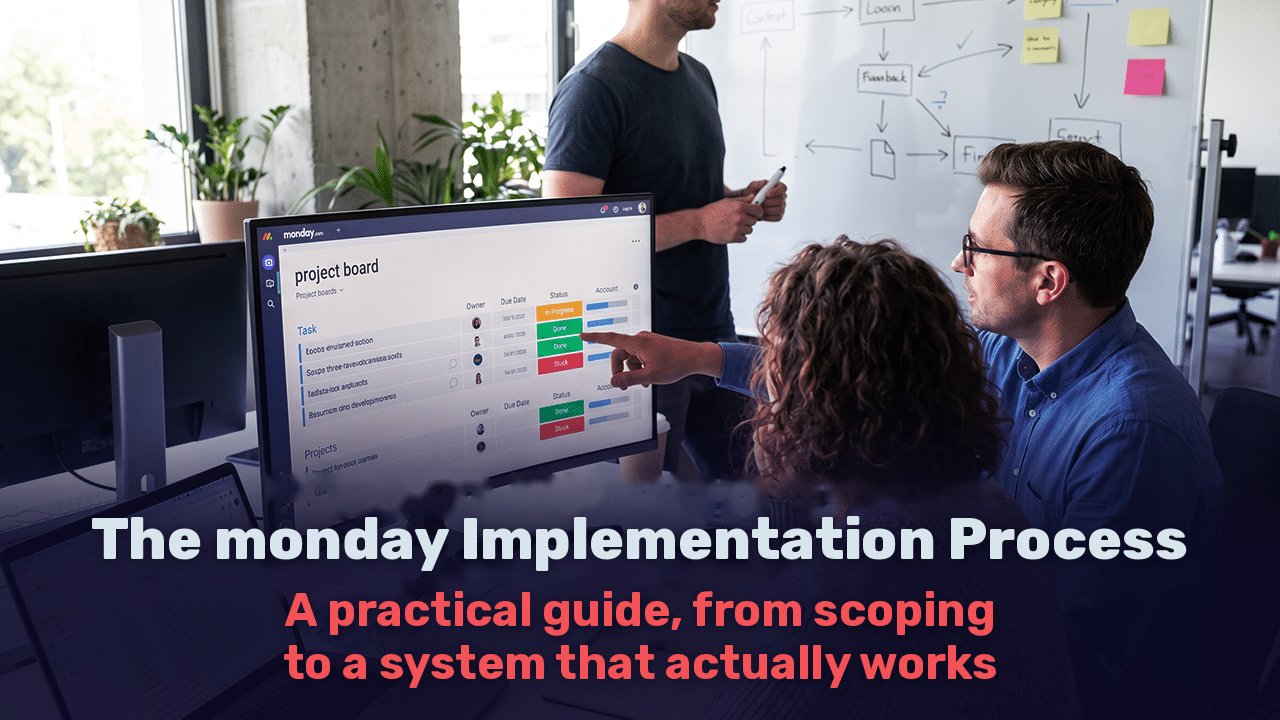
Most organizations turn to monday.com implementation once the disorder is already noticeable. Tasks get lost between email and WhatsApp, spreadsheets are updated in three different versions, and nobody can say with certainty where a project stands. The decision to move to monday.com seems straightforward. The implementation itself is less so.
The difference between a system everyone uses and one abandoned after six months almost never lies in the technology. It lies in the process: how thoroughly needs were defined, how the structure was built, and how employees made the transition. This guide walks through the stages as they happen in practice, including what your organization needs to contribute at each stage.
What Is monday.com Implementation?
monday.com implementation is the process of translating an organization’s way of working into boards, columns, automations, permissions, and integrations within the platform, and moving employees to it as their central source of information. Opening an account and building a few boards is not implementation. Implementation is complete when the system reflects what is happening in the organization in real time, without someone having to chase updates.
| Stage | What Happens | Who Should Be Involved |
| Discovery and requirements | Map processes, goals, and pain points | Management and department managers |
| Architecture and build | Workspace structure, boards, automations, and dashboards | Implementation team and a representative from each department |
| Integrations and data | Connect existing systems and migrate information | IT and finance |
| Pilot and training | Real work with one team, revisions, and training | End users |
| Launch and improvement | Organization-wide rollout, measurement, and maintenance | Internal system administrator |
Stage 1: Discovery and Requirements, the Foundation for Everything Else
The most common mistake is opening the platform and starting to build boards before understanding the process. It feels efficient, but the result is boards that reproduce the existing disorder in a more attractive interface.
Good requirements work starts with business questions rather than technical ones. What should happen when a new lead comes in? Who approves a quote, and at what stage? Where do things fall through today? What decisions do managers make every week, and what information are they missing?
This stage also maps what already exists: which systems the organization uses, what information each contains, and what must move to monday.com versus what can stay where it is. An organization using Priority, for example, does not need to move its accounting into monday.com. It needs to connect the two systems.
The deliverable is a requirements document describing the processes, the planned system structure, the automations, and the integrations. This is what makes a realistic cost and timeline estimate possible. A provider offering a precise quote before a discovery discussion is pricing without understanding the work.
What you need to contribute: department managers available for two or three meetings, and a willingness to say openly where processes are not working.
Stage 2: Architecture and Build, a System That Will Still Work a Year from Now
monday.com is highly flexible, and that is precisely the risk. Without structural planning, a year later you can end up with hundreds of boards, duplicate columns, and dashboards nobody trusts.
Sound architecture starts with structural decisions: which workspaces to create, which boards will serve as master boards for centralized information such as customers, projects, and suppliers, and how other boards will connect to them. This determines whether, a year from now, you can generate a report across departments with one click or have to export everything to Excel.
Permissions are also defined here. In a small organization, this may be a minor detail. In an organization where salespeople should not see salary data, or where information security requirements apply, it is a critical part of the design.
Another decision at this stage is the subscription plan. Differences between plans go beyond price: they affect automation quotas, permissions and security capabilities, and reporting options. Switching plans later may require reworking parts of the system, so it is better to decide based on expected needs over the next two years rather than today’s user count. In addition, monday.com’s pricing structure shifted in 2026 to a model incorporating usage, so check the current plan structure before committing.
Only then do you build the boards, columns, automations, and dashboards. The rule that works is to start with the minimum needed. An automation nobody asked for is another thing that can break.
Stage 3: Integrations and Data Migration
monday.com delivers its full value when it does not stand alone. Leads flowing directly from website forms and campaigns, customer and order synchronization with the ERP, and connections to accounting or telephony systems all save manual entry and prevent discrepancies between systems.
There are three main ways to connect systems. The first is monday.com’s native integrations. The second is external integration tools such as Make or Zapier. The third is development directly against the API. The choice depends on data volume, the required synchronization frequency, and whether information flows in one direction or both. A simple form connection to a board does not justify custom development. Bidirectional order synchronization with Priority almost always does.
Migrating existing data requires a deliberate decision: what moves, what stays in the archive, and what is deleted. Moving years of disorganized information into a new system is the fastest way to make employees distrust it from day one.
Stage 4: Pilot, Training, and Adoption
This is where most implementations fail, and the issue is not unique to monday.com. A Gartner survey of 5,141 employees, published in 2025, found that only 23% of digital workers were completely satisfied with the applications they used, down from 30% in 2022. According to the same research, employees satisfied with their tools were almost three times as likely to report a significant productivity increase. Gartner.
Team culture matters too. In another Gartner survey, from July 2025, 37% of employees reported not using the AI tools available to them because their colleagues were not using them. The same principle applies to any new system: if the manager keeps requesting updates on WhatsApp, the team will not switch to monday.com. Gartner.
That is why you start with one team. A pilot lasting two to four weeks, using real work, reveals what is missing, what is unnecessary, and where the planned process does not fit reality. Changes are inexpensive at this stage. After a rollout across the organization, they cost much more.
Effective training is tailored to the role. A manager needs to know how to read a dashboard. A sales representative needs to update a lead from a phone in thirty seconds. One general training session for everyone leaves both without what they need.
Stage 5: Launch, Measurement, and Maintenance
Implementation does not end when everyone gets access. During the first few months, requests for changes arise, organizational processes evolve, and users and departments are added. Without someone responsible for the system, the carefully designed structure gradually falls apart.
Define an internal system administrator, a regular review routine, and measures of implementation success in advance. Examples include the percentage of updates made in the system rather than other channels, lead response time, or the number of reports that no longer need to be prepared manually.
This is also the stage to consider AI capabilities. monday.com is investing in built-in agents that can classify, summarize, and act on board information. These capabilities work well only when the underlying information is organized and complete, so they follow a stable implementation rather than replace it.
How Long Does monday.com Implementation Take?
Implementation time depends mainly on the number of processes and departments and the complexity of integrations, and less on the number of users. The following estimates are based on practical experience and are intended for initial planning only:
| Scope | Example | Estimated Time |
| One process in one team | Task or lead management without integrations | 2 to 4 weeks |
| One or two departments | Sales and operations with automations and one or two integrations | 1 to 2 months |
| Organization with multiple departments | Several departments, ERP connection, complex permissions | 3 to 6 months |
The biggest cause of delays is not the build itself. It is organizational availability: postponed discovery meetings, decisions awaiting approval, and users who do not attend training.
Frequently Asked Questions
Can we implement monday.com ourselves?
For a small team with a simple process, yes. As the number of departments, integrations, and permission requirements grows, the risk of building a structure that will need to be rebuilt rises significantly.
What is the difference between implementation and setting up boards?
Setup means building tools. Implementation includes defining processes, planning the structure, connecting existing systems, and helping employees actually move their work into the platform.
What should we prepare before the first discovery meeting?
A list of the most painful current processes, the systems your organization uses, and examples of reports or files currently used for management.
When should we start using monday.com’s AI capabilities?
Once the system is stable and its information is updated regularly. AI working with incomplete data produces results you cannot rely on.
How Web3D Approaches monday.com Implementation
At Web3D, we have worked with monday.com for more than nine years, first within our own company and then for clients. This experience has taught us that the difficult part of implementation is not the build itself, but translating a business process into a structure that will last. Combining a requirements team, a development department connecting monday.com to systems such as Priority and marketing platforms, and years of digital marketing experience lets us see the whole picture: from the lead arriving through a campaign to the report reaching management. If you are at the planning stage, read more about [monday.com implementation at

Nitzan Demand
Digital marketing and digital strategy expert