CRM for Medium and Large Companies: When monday CRM Is the Right Choice and How to Evaluate It
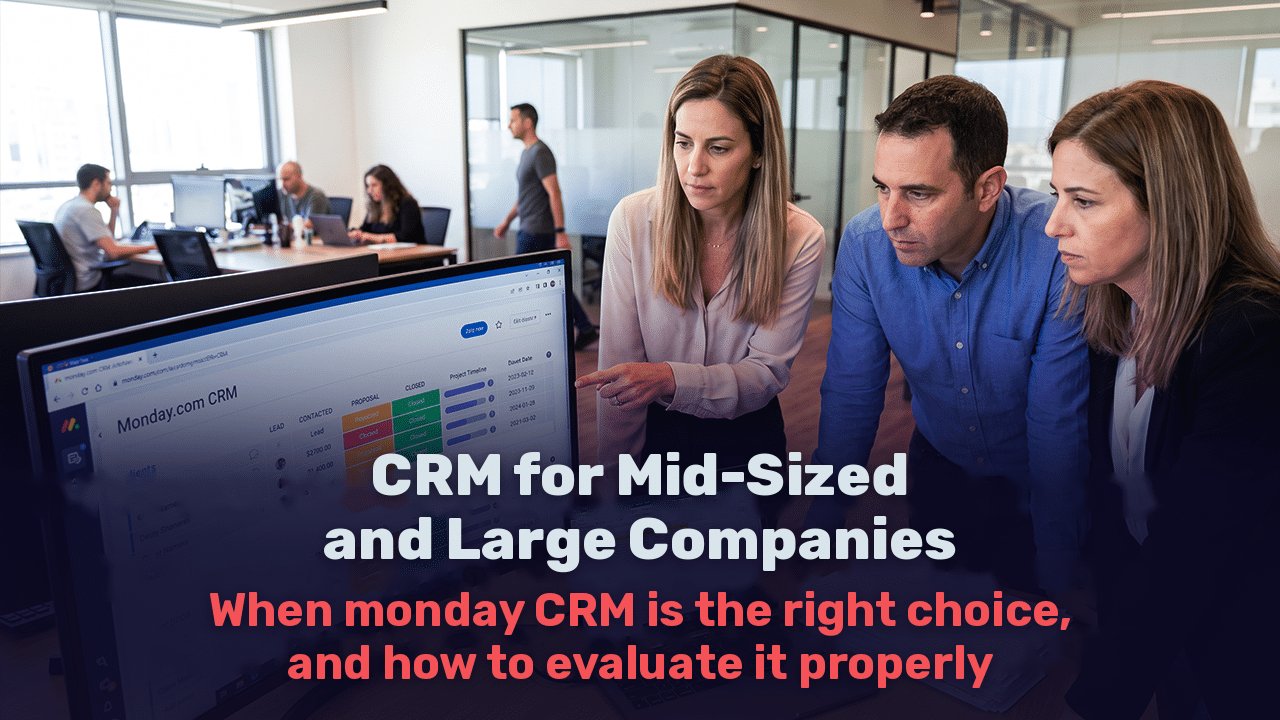
In a medium-sized company, the question is usually not whether a CRM is needed, but why the current system no longer works. There is a sales system set up several years ago, a service department using another tool, an operations team managing projects in spreadsheets, and management receiving reports manually assembled from several sources. Each department manages on its own, but nobody sees the customer’s entire journey.
At this point, choosing a CRM is no longer a technical decision for the sales manager. It is an organizational decision affecting revenue forecasts, customer experience, information security, and how departments work together.
Signs That the Current System Can No Longer Support the Organization
The most familiar problem is lost time. According to Salesforce’s State of Sales report, seventh edition, 2026, salespeople spend only 40% of their working week actually selling, and the remaining 60% on meetings, preparing quotes, planning, manual data entry, and other tasks. In an organization with dozens of representatives, every hour freed from manual work adds up to a significant amount.
The second problem is technology overload. A Gartner article on trends for chief sales officers in 2025 cites a figure indicating that 70% of salespeople feel overwhelmed by the technology required for their work. Adding another tool instead of consolidating reduces adoption and scatters the data.
Other signs to look for:
A sales forecast built in Excel before every management meeting because the system’s data cannot be trusted.
A disconnect between sales and delivery. A deal closes, and the receiving team starts collecting information that already exists all over again.
Dependence on one person who knows how to maintain the system, or on an external provider for every small change.
Representatives bypassing the system and managing customers through WhatsApp and email because the CRM is too cumbersome.
What to Check When Choosing a CRM for a Medium or Larger Organization
Actual adoption. The most powerful system is worth nothing if the team does not use it. Check how long a new representative takes to get started and how easily a department manager can change a process without opening a support ticket with the provider.
Integrations with core systems. In a medium-sized organization, the CRM needs to communicate with the ERP, such as Priority, SAP Business One, or others, the telephony system, marketing platforms, and communication channels such as WhatsApp and email. Check which connections are native, which require API development, and what limits apply to the number of calls.
Permissions and data governance. A representative should see their deals, a regional manager their team, and management the whole picture. A system that cannot define permissions at this level will cause problems as the organization grows.
Security and regulation. A CRM holds personal information on thousands of customers. Since Amendment 13 to Israel’s Privacy Protection Law took effect in August 2025, organizations’ responsibility for such databases has increased. In practice, IT managers will need to check:
Single sign-on (SSO)
Audit logs
IP-based access restrictions
Encryption and the provider’s security standards
Reporting and forecasting. Real-time dashboards, sales forecasts by stage, and comparisons between teams should be part of the system rather than a separate analyst project.
Total cost. License price is only part of the picture. Include implementation, the provider’s onboarding fees, add-ons, AI credits, and especially the staff needed to maintain the system over time.
The Main Options on the Market
| Criterion | Established Israeli CRM | Salesforce / HubSpot | monday CRM |
| Hebrew and local support | Full | Partial, usually through partners | Full |
| Depth of sales capabilities | Good | Highest | Very good |
| Connecting sales to projects and operations | Partial | Requires additional products | Built into the same platform |
| Flexibility to change without a developer | Moderate | Low to moderate, usually requires an administrator | High |
| Enterprise-level security | Varies | Advanced | Advanced on higher plans |
| Total cost | Moderate | High | Moderate |
What Does It Actually Cost?
According to monday.com’s price list at the time of writing, Pro costs $28 per seat per month with annual billing or $41 with monthly billing, while Ultimate is priced through a custom quote. For a medium-sized organization, these are the two relevant plans.
The main reason is automation: Standard includes 250 automation and integration actions per month, while Pro includes 25,000. An organization bringing in leads from many sources and running automated processes between departments will outgrow Standard very quickly.
Two additional components to include in the budget:
AI credits. Since May 6, 2026, AI usage credits have been purchased alongside seats, and usage beyond the allowance is billed separately.
Seat tiers. Seats are purchased in fixed increments rather than according to the exact number of users, so plan team size for the coming year.
For comparison: HubSpot Sales Hub Professional costs $100 per seat, plus a one-time onboarding fee of $1,500. At Salesforce, for an organization of 500 users, basic Sales Cloud licensing alone reaches approximately $990,000 per year before customization and add-ons.
The licensing gap does not mean monday.com is always cheaper in the end. It means total cost should be evaluated over three years, including implementation and maintenance.
Why monday CRM Suits Most Medium-Sized Organizations
One continuous workflow from lead to delivery. monday.com’s most significant advantage is that sales and operations sit on the same platform. A closed deal can automatically create a new project board for customer onboarding, transferring information directly from sales to the delivery team. In organizations where this handoff repeatedly fails, this is a substantial change.
Faster adoption. The board-based interface is familiar to users, and department managers can update processes themselves without waiting for development.
Enterprise-level security. monday.com offers the following on its enterprise plans:
Tenant-level encryption
Bring Your Own Key (BYOK)
Support for multiple SSO providers
Advanced audit logs
IP-based access restrictions
Audit logs are also accessible through an API, allowing connections to the organization’s security monitoring systems (SIEM). The company also states that it does not use customer data to train AI models.
Performance at scale. The mondayDB data infrastructure is designed to support better performance and faster reporting when working with large dashboards and multiple boards. This matters for organizations managing tens of thousands of records.
When monday CRM Is Less Suitable
Even reviews recommending monday.com acknowledge its limits: for large organizations with complex sales, approval workflows with multiple stages, or deals in multiple currencies, Salesforce and HubSpot are considered more mature. An organization whose sales rely on complex pricing (CPQ) or a particularly extensive data model should assess this during requirements work, before deciding.
How to Implement a CRM in a Medium-Sized Organization Without Disrupting Operations
Requirements before configuration. Map the sales process, handoff points between departments, who needs to see what, and the reports management requires. A CRM does not fix an undefined process.
Plan data migration. Decide what to transfer from the existing system, remove duplicates, map fields, and define what stays in the archive.
Prioritize integrations. Start with lead sources and the ERP, then telephony, email, and WhatsApp, and only afterward secondary connections.
Pilot with one team. One sales team works in the system for a few weeks, and the process is adjusted based on actual use before expanding across the organization.
Training and adoption metrics. Measure how many representatives actually update the system, rather than simply how many received access.
Ongoing data governance. Decide who is responsible for the system, who approves structural changes, and how data quality will be maintained over time.
| Organization Characteristics | Suitable Option |
| Sales team of 10 to 30 people, standard process, need to connect to operations | monday CRM Pro with ERP and lead source integrations |
| Several departments and locations, security and SSO requirements, large data volumes | monday CRM Ultimate with data governance and complete requirements definition |
| Highly complex sales, CPQ, approvals with multiple stages, extensive international operations | Comparative requirements assessment of monday.com versus Salesforce or HubSpot before deciding |
Frequently Asked Questions
Is monday CRM suitable for medium and large companies?
Yes, in most cases. Pro and Ultimate include large automation allowances, detailed permissions, SSO, and audit logs. monday.com is especially suitable for organizations wanting to connect sales with projects, service, and operations. Organizations with highly complex sales should carry out a comparative requirements assessment.
What is the difference between monday CRM and Salesforce?
Salesforce offers greater depth for complex sales processes, but usually requires more investment in licensing, implementation, and maintenance staff. monday.com is more flexible to change, easier to adopt, and connects sales and operations on the same platform.
How long does CRM implementation take in a medium-sized organization?
It depends on the number of departments, the volume of data, and the number of integrations. A project starting with requirements and a pilot with one team allows a gradual rollout without stopping day-to-day operations.
Can monday CRM connect to the organization’s ERP?
Yes. Connections use native integrations, Marketplace apps, or monday.com’s API, depending on the ERP and the required process. Map the data flow during the requirements phase.
What should we check regarding information security?
SSO, audit logs, role-based permissions, IP-based access restrictions, encryption, and the provider’s security standards. In Israel, also assess compliance with Amendment 13 to the Privacy Protection Law.
How Web3D Fits into the Process
In a medium-sized organization, CRM success depends more on requirements and implementation than on the choice of license. Web3D has operated since 1997, is an official monday.com partner, and holds ISO 9001 and ISO 27001 certifications. The latter is particularly relevant to projects involving the transfer of sensitive information from an existing system. The team guides organizations from defining sales processes and departmental handoffs through data migration and integrations with ERP, telephony, and marketing systems, to the pilot, training, and ongoing data governance. Working alongside the digital marketing department also connects the CRM to campaigns and the website, making it possible to measure the entire journey from the first lead to actual revenue.

Nitzan Demand
Digital marketing and digital strategy expert