monday.com for Senior Management: Dashboards, Oversight, and Real-Time Decisions
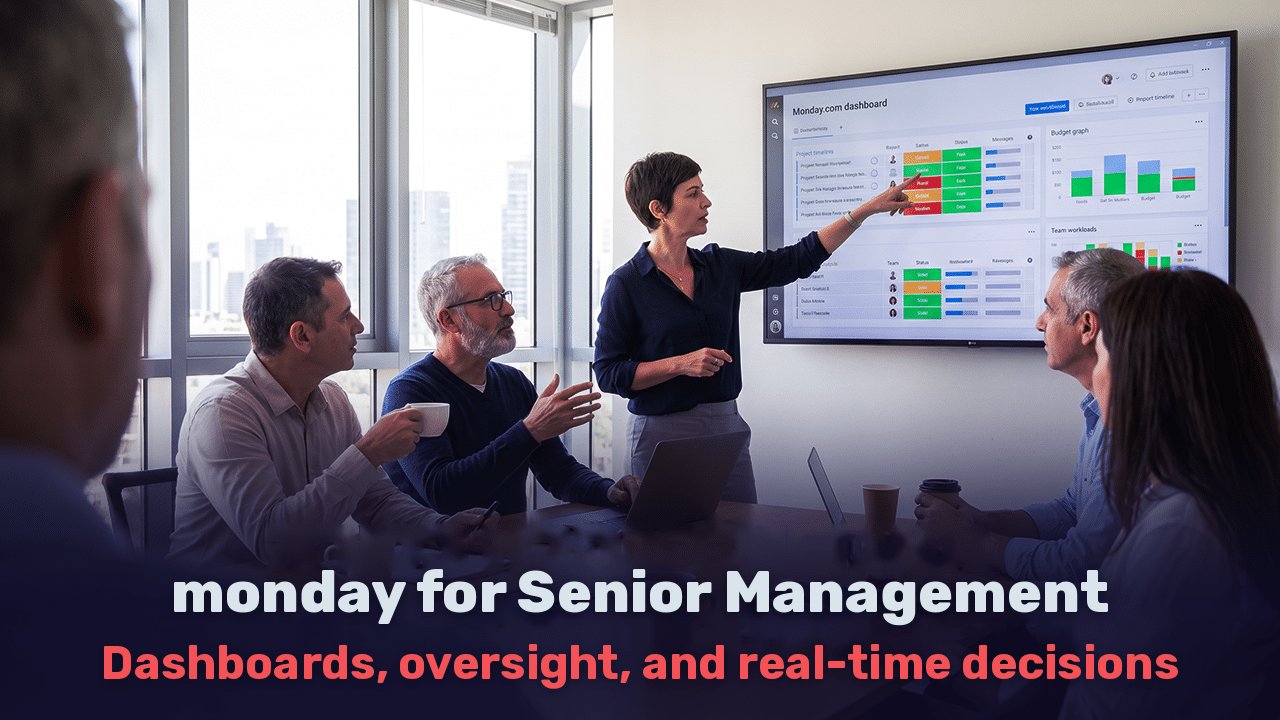
A management meeting on Sunday morning. The CEO asks how many projects are over budget this quarter. The CFO presents an Excel file updated a week ago. The head of operations presents a different figure from her system. Half an hour passes while everyone determines which number is correct, and nobody discusses the actual question: what to do about the overrun.
Most management teams do not suffer from a shortage of data, but from its fragmentation. The information exists, but it is spread across systems, files, and email threads, with each department holding its own version. This article explains how monday.com is used in practice as a tool for executive management, what it provides and what it does not, and how to avoid mistakes that turn such an implementation into another system nobody looks at.
Why Management Makes Decisions Based on an Incomplete Picture
The problem is well documented in research too. According to a 2020 Gartner survey involving 154 organizations, the average cost of poor data quality is estimated at $12.9 million per organization per year. The interesting part is the reason. Gartner identifies inconsistency between information sources, resulting from data held in separate systems with duplicates and discrepancies, as the most difficult data quality challenge.
Put simply, management does not make poor decisions because of poor judgment. It makes them because the figures in front of it are not synchronized, are updated late, or have passed through three stages of manual processing before reaching the table.
One Management Dashboard Instead of Ten Files
monday.com’s central value for senior management is not task management. It is the ability to bring data from several departments into one view that updates automatically.
A management dashboard in monday.com is built from the different departments’ boards. When a project manager updates a status or a finance manager records an expense, the figure appears immediately on the management dashboard without someone having to collect it.
At the project portfolio level, the All Projects dashboard brings insights from all projects in the portfolio into one consolidated view. This is the difference between asking “What is happening with project X?” and seeing all projects together, ranked by risk.
What Each Role Needs to See
| Role | What the Dashboard Shows |
| CEO | Progress against strategic goals, project portfolio health, significant exceptions |
| CFO | Actual performance versus budget, expenses by project, collections, and outstanding payments |
| COO | Team workloads, adherence to schedules, and bottlenecks |
| Head of Marketing and Sales | Lead funnel, cost per lead, active campaigns, and results |
The key point: everyone sees what is relevant to their role, according to permissions, while working from the same data source. When there is a disagreement in a meeting, it concerns the meaning of the number rather than the number itself.
Automatic Data Collection and Monitoring Exceptions
Management problems almost never come as a surprise. A budget overrun starts with a small unrecorded expense. A project delay starts with one stalled task. The signs are there; they are simply buried in tables.
In monday.com, automations check data against predefined rules. Some practical examples:
Budget overrun: when project expenses exceed 90% of the approved budget, an alert is sent to the CFO and project manager.
Outstanding payment: an invoice unpaid after thirty days is automatically flagged and sent for follow-up.
Schedule delay: a milestone that has passed its deadline changes the project’s status on the management dashboard.
Approval workflows: a purchase request above a specified amount is automatically routed to senior management for approval, which is recorded in the system.
The goal is to move from reactive oversight that discovers problems in the monthly report to oversight that identifies them as they arise. Management does not have to search for exceptions. The exceptions are brought to management.
Managing Workloads and Resources Without Waiting for Reports
Overload is one of the quiet problems in organizations. Employees do not always report being too busy, and managers discover it only when a project is delayed or a good employee leaves.
monday.com’s Workload view shows task allocation by person and time. A manager can see at a glance that one employee is assigned to three projects at once while others on the team have relatively spare capacity. It is possible to identify a week when several projects will place demands on the same people and reschedule work before that happens.
For senior management, this means resource planning based on data. When a new project opportunity arrives, you can check who is actually available and when, rather than commit to deadlines and discover afterward that nobody can deliver.
The AI Layer: What Changed in 2026
This year brought a significant change to the platform. In May 2026, monday.com announced its transition from a work management platform to an AI platform centered on built-in agents that any employee can configure and activate without a technical background.
Several capabilities are especially relevant for senior management:
Automatic executive reports: the portfolio AI report is generated as a separate document containing an executive summary, the distribution of project health statuses, metrics, and a summary of risk insights.
Continuous risk analysis: the company offers ready-made agents such as Risk Analyzer and Meeting Summarizer that run continuously in the background.
Connections to external AI assistants: through MCP, a team already using Claude or ChatGPT can allow its assistant to work directly with workspace data. A CEO can ask the assistant “Which projects are at risk this week?” and receive an answer based on actual data.
An important professional point: an AI agent is only as good as the data it reads. If boards are outdated or poorly structured, the automatic report will simply produce a quick summary of incorrect information.
Common Mistakes in Implementations for Senior Management
Experience with implementation projects shows that most failures stem from how the system was built rather than from the system itself.
A dashboard before the foundation. Many organizations start with an attractive dashboard and discover that the underlying data is inconsistent. If every department defines an “at-risk project” differently, the dashboard will show a meaningless average. Define a consistent data structure first, then build the view.
Too many metrics. A dashboard with twenty-five components is one nobody reads. A senior manager needs five to eight metrics that actually lead to decisions.
Nobody responsible for updating data. Automations save work, but some data is still entered by people. Without clear rules about who updates what and when, data becomes outdated within weeks.
Unplanned permissions. Financial information, salaries, and customer data require properly defined permissions from day one rather than a later correction.
When Will You See a Return on Investment, and What Do the Numbers Really Mean?
Every CFO will ask this question, and it deserves a careful answer. The most frequently cited research on this topic is from Forrester. According to the study, one large marketing company achieved a 288% return on investment, and the total value created was almost three times the initial investment. Context matters: the research was commissioned by monday.com and examines benefits over three years rather than three months. Forrester itself emphasizes that it makes no assumptions about the return other organizations will achieve and recommends that each reader use their own estimates.
The professional answer is that the payback period depends on implementation scope and the starting point. An organization currently consolidating data manually from several systems will feel the change sooner than one already using a well-organized BI system. The right way to measure is to establish baseline metrics in advance, such as monthly hours spent preparing management reports, time to detect a budget overrun, and time to approve a purchase request, then measure them again after three and six months.
Questions and Answers
Is monday.com suitable for executive management, or only for team task management?
It supports both levels. Teams work in boards, and management sees the consolidated picture through dashboards and portfolio views updated from the same data.
Can monday.com connect to existing systems such as ERP or accounting software?
Yes, through native integrations, an API, or external integration tools. The scope depends on the specific systems, so map them during the requirements phase.
What is the difference between a monday.com dashboard and a BI system?
A BI system specializes in complex analysis of historical data. monday.com connects data to the work itself: you can see an exception, assign someone to handle it, and track the response in the same place. In large organizations, the two tools often complement each other.
How long does an implementation for senior management take?
It depends on scope. An initial executive dashboard based on existing boards can go live within a few weeks. A rollout across several departments, including integrations and automations, takes several months.
How do you choose an implementation partner?
Choose an official monday.com partner experienced with organizations of a similar size, who starts with process requirements rather than building boards, and understands the business as well as the technology.
How Web3D Approaches monday.com Implementation for Management
At Web3D, an official monday.com partner, implementation for senior management starts by asking which decisions management struggles to make today and what information is missing. The answer determines the board structure, dashboard metrics, automations, and approval workflows. Combining systems requirements, integrations, and automations with experience in digital marketing and managing lead and sales data makes it possible to build a management view connecting operations, finance, and growth, rather than presenting each separately.

Nitzan Demand
Digital marketing and digital strategy expert